It’s late, your topic is in one Word file, your references are in a folder you last sorted in March, you’ve explained your study to ChatGPT three times this week because it keeps forgetting it, and your supervisor’s corrections are somewhere in WhatsApp, between a voice note and endless messages.
That’s not a discipline problem. Your research is simply spread across too many places.
That is why Thesis-Speedwrite.ai now has two new features built for exactly this:
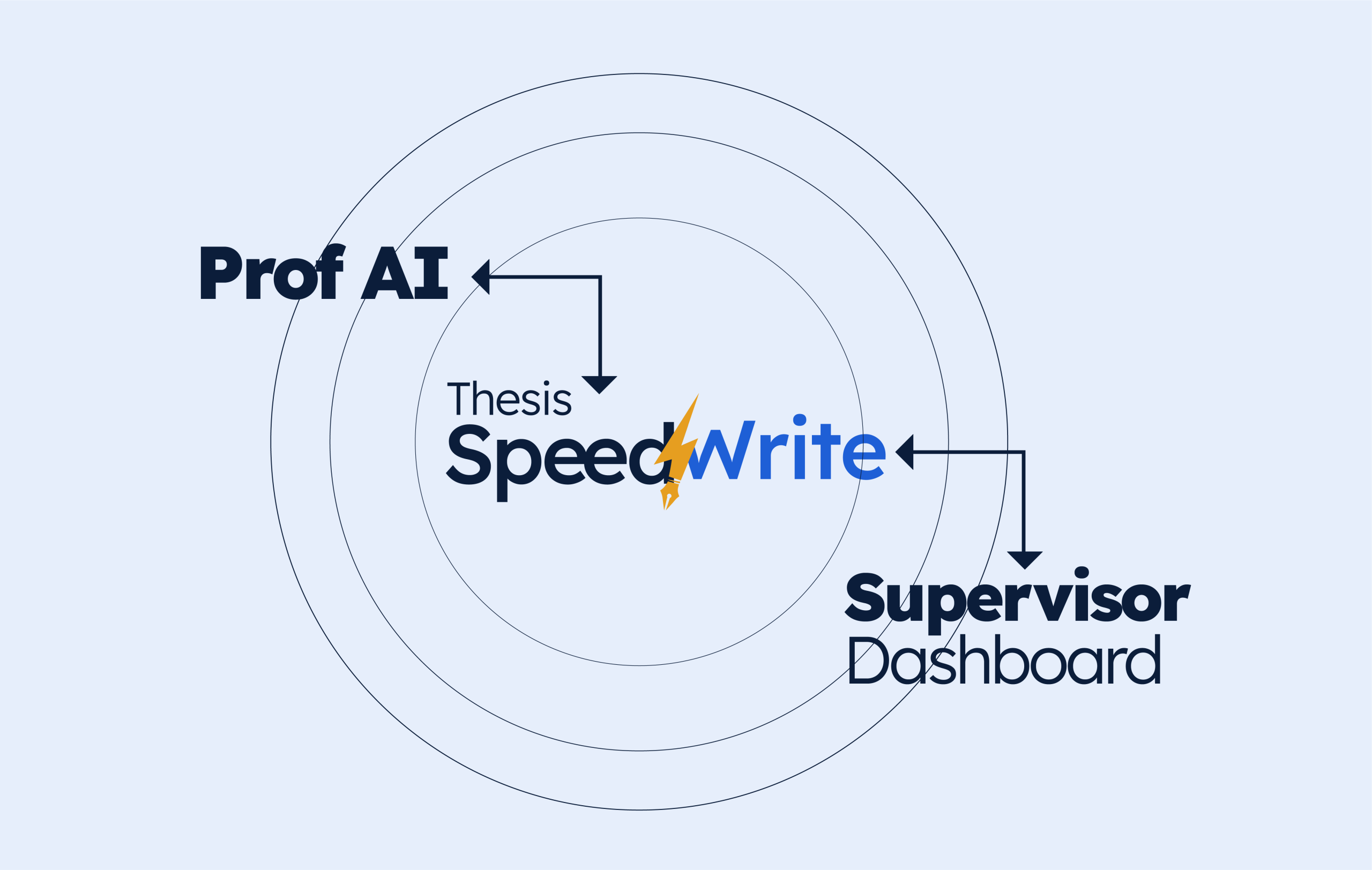
Prof AI, an AI thesis assistant that works inside your research project, and the
Supervisor Dashboard, which gives supervisors a clear view of where each researcher stands.
This post covers what each one does and how they connect to the rest of the workspace.
The short version
- Prof.AI answers research and methodology questions inside your project, so you stop re-explaining your topic every time.
- The Supervisor Dashboard shows supervisors each researcher’s progress by stage, so feedback stops getting lost.
- Both sit inside a ten-stage workspace that carries you from topic refinement to final refinement.
- The researcher stays in charge. Your questions, your data and your academic judgement remain yours.
Table of Contents
Meet Prof AI: An AI Thesis Assistant That Knows Your Project
Generic AI gives generic answers. You paste in your topic, get a reasonable-sounding reply, and then realise it has no idea what your objectives, methodology or sample look like. So you explain again and again.
Prof.AI works within Thesis-Speedwrite.ai, so the questions you ask are asked in the context of your research project. You think through the problem, then go back to writing.
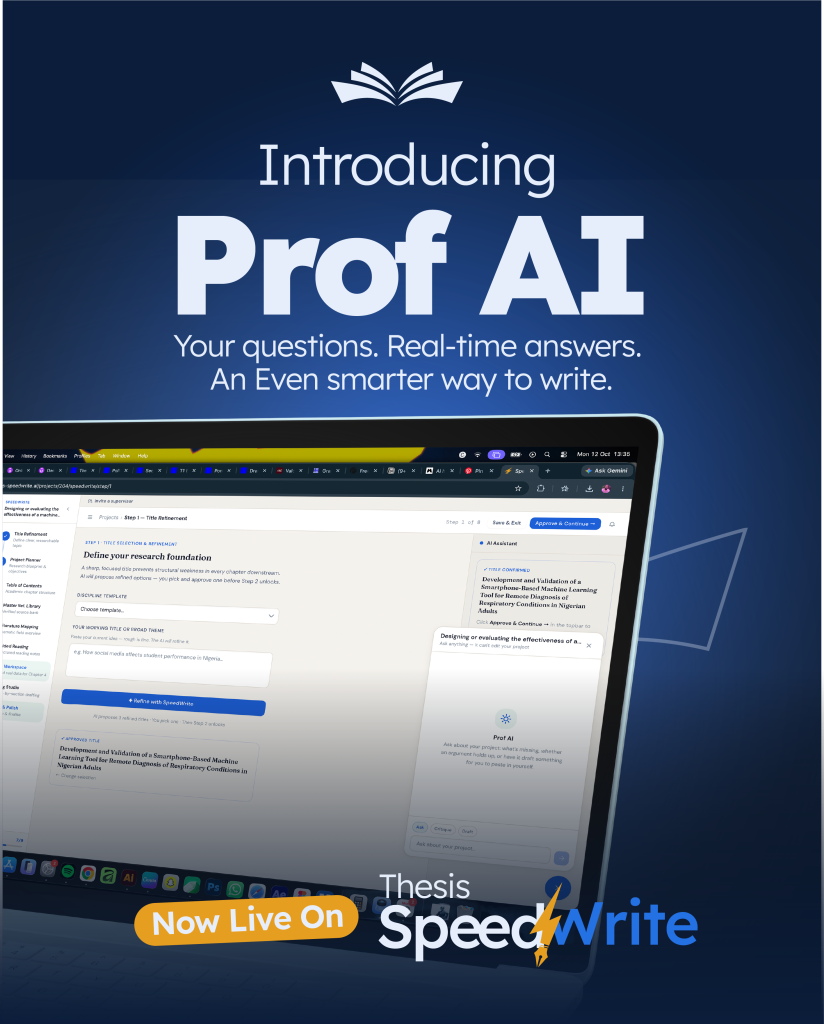
What Prof AI can help you with
Shaping the research
- Refining research ideas and concepts
- Understanding research methodology
- Clarifying research designs and sampling approaches
- Developing questionnaires and other research instruments
Working with literature and data
- Interpreting academic concepts and theories
- Working through literature and research gaps
- Supporting data analysis and interpretation
- Relating findings to your research questions and objectives
Writing and defending
- Developing the discussion of findings
- Improving academic arguments and chapter organisation
- Identifying weaknesses, inconsistencies and gaps in your research
- Preparing for supervisor meetings, proposal defence and final defence
That last group matters more than it looks. A good AI thesis assistant should tell you where your argument is thin before your examiners do.
Why this beats switching between tabs
You shouldn’t need your thesis document, an AI chat, a spreadsheet, a reference manager and a dozen browser tabs open just to finish one research task.
With Prof.AI the support sits next to your work. Ask a question, test an idea, clarify your methodology, interpret a finding, tighten an argument, then keep writing.
If you’ve been wondering whether using AI this way crosses a line, our post on “Can You Use AI to Write a Thesis?” covers where the line sits.
From Data to Meaning: Where Prof.AI Earns Its Place
Collecting data isn’t the end of research. You still have to decide what it means.
- What does the data say?
- How does it answer your research questions?
- How does it compare with previous studies?
- Which findings are significant?
- What belongs in the discussion?
When your data is organised in the Thesis-Speedwrite.ai Data Workspace, Prof.AI can support the reasoning that takes you from results to interpretation to discussion. The thread looks like this:
Research Questions → Methodology → Data → Analysis → Interpretation → Discussion → Conclusion
Each step keeps a link to the one before it. That is what stops a discussion chapter from drifting away from the questions the study set out to answer.
Results not matching what you expected? Read “When Your Thesis Data Is Not What You Expected” alongside this section.

The Supervisor Dashboard: Supervision You Can See
Supervision often runs on WhatsApp messages, email attachments and several versions of the same thesis. A correction made in one version gets missed in the next. A supervisor with ten researchers can’t easily tell who is stuck and who is fine.
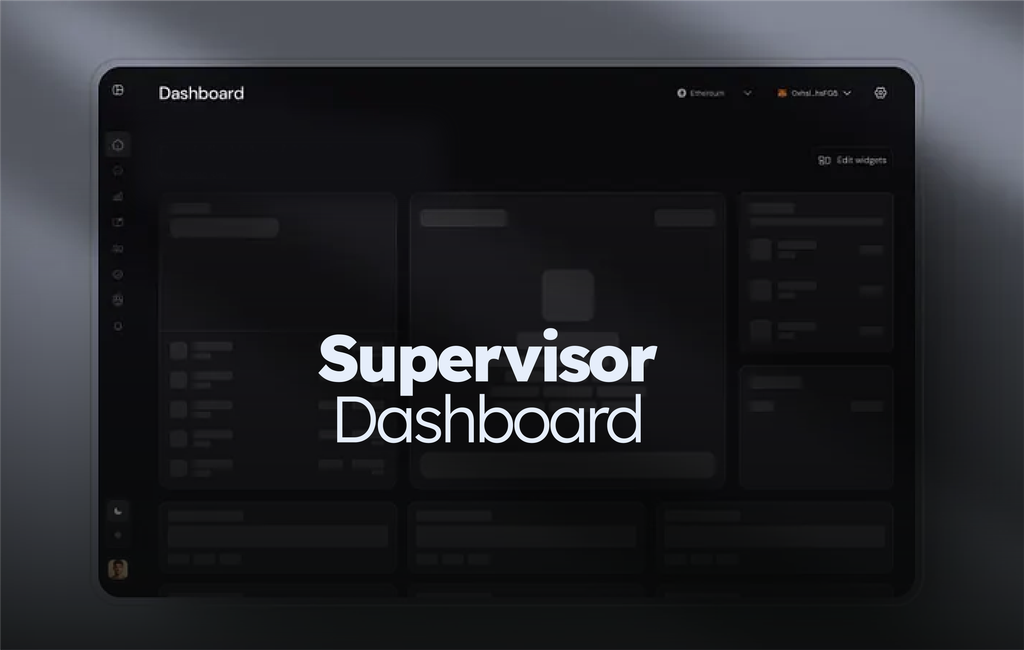
The Supervisor Dashboard gives supervisors one place to follow the progress of the researchers they support.
Who it’s built for
- University lecturers
- Thesis and dissertation supervisors
- Postgraduate coordinators
- Research consultants
- Academic mentors
- Research institutions and training organisations
What supervisors can follow
The dashboard tracks progress across the key stages of the research journey:
- Topic development
- Research planning
- Chapter structure
- Literature development
- Methodology
- Data preparation
- Thesis writing
- Revisions and refinement
For each researcher, a supervisor can see what’s done, what’s outstanding, and where intervention may be needed.
Ownership stays with the researcher
The dashboard doesn’t take research away from the student. Researchers keep developing their own work. Supervisors keep giving academic direction. Thesis-Speedwrite.ai provides the shared environment, which means fewer disconnected drafts, fewer missed corrections and clearer visibility for both sides.
How It All Connects: The Ten-Stage Research Workspace
Prof.AI and the Supervisor Dashboard aren’t standalone tools. They are two stages in one connected workflow. Here’s the full journey and what each stage hands to the next.
Title & Topic Refinement
Develop a focused, researchable and academically defensible topic. Everything after this refers back to it.
Project Planner
Translate the topic into clear objectives, questions, methodology and execution steps. This is the spine of the project. Later stages are checked against it.
Table of Contents
Build the structure of your thesis or dissertation, so you know what each chapter has to carry.
Master Reference Library
Organise the scholarly sources that will support your research in one place, not across folders and bookmarks.
Literature Mapping & Guided Reading
Understand the literature, see how studies relate to each other and locate the research gaps. Those gaps are where your own questions should sit.
Data Workspace
Bring your research data into the project environment, so it lives next to the questions it has to answer.
Prof.AI
Ask research-specific questions at any point in the journey and get assistance that knows your project.
Writing Studio
Develop your chapters within the context of your research project, not in a blank document.
Supervisor Dashboard
Give your supervisor structured oversight and a clear view of your progress.
Review & Final Refinement
Strengthen coherence and academic quality, and check readiness for submission.
The three connections that make it work
- One project, one context. Your topic, objectives, methodology and data belong to the same project, so Prof.AI and the Writing Studio work from your research, not from a blank prompt.
- Your research questions are the thread. Planning sets them, the Data Workspace holds the evidence, and Prof.AI helps you relate findings back to them.
- Progress is visible. What you complete in each stage is what your supervisor can follow, so guidance arrives while there’s still time to act on it.
What This Looks Like in Practice
A master’s student refines her topic, then turns it into objectives and a methodology in the Project Planner. She builds her table of contents and collects her sources in the Master Reference Library. Literature Mapping shows her where earlier studies leave a gap.
When her data comes in, she organises it in the Data Workspace and asks Prof.AI how her findings relate to her second objective. She writes the discussion in the Writing Studio. Her supervisor, following her progress on the dashboard, sees she’s reached the writing stage and gives direction there.
She never re-explains her study. Her supervisor never hunts for the latest version. Neither of them stops owning the work.
Built for Researchers. Useful for Supervisors.
If you’re a researcher: use Prof.AI when you need to think through a research problem. Use the Data Workspace when your study reaches analysis. Use the Writing Studio when you’re ready to develop chapters. Keep everything connected from first idea to final draft.
If you’re a supervisor: follow researchers’ progress, see where intervention is needed, and support more researchers without losing sight of any individual project.
For a wider look at why research stalls when tools are scattered, see “Why Your Thesis Still Feels Stuck, Even With Every Tool Open”
Frequently Asked Questions
What is Prof AI?
Prof.AI is the research assistant inside Thesis-Speedwrite.ai. It helps you think through methodology, literature, data interpretation and argument within the context of your own project.
Can Prof AI write my thesis for me?
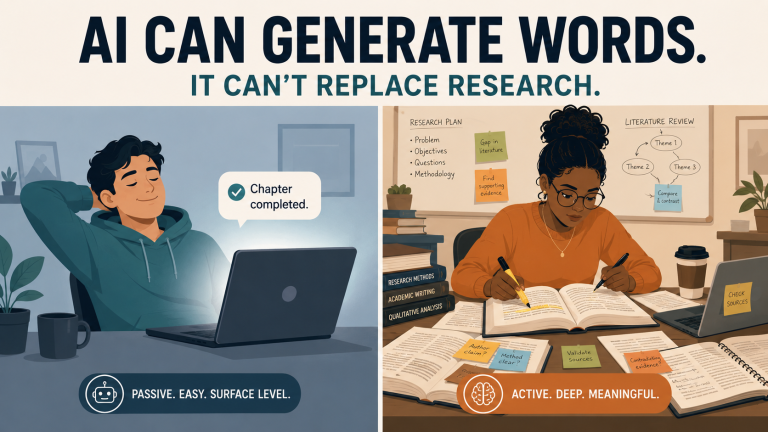
No. It’s built to strengthen the researcher, not replace them. Your research questions, data and academic judgement remain yours.
How is an AI thesis assistant like Prof.AI different from a general AI chat?
A general AI chat starts from zero each time and needs your study explained again. Prof.AI works inside your research project, so the help fits your topic, objectives and methodology.
Who can use the Supervisor Dashboard?
Lecturers, thesis and dissertation supervisors, postgraduate coordinators, research consultants, academic mentors, and research institutions and training organisations.
Does the Supervisor Dashboard take control of my work?
No. You keep developing your research and your supervisor keeps providing academic direction. The dashboard just gives both of you shared visibility.
Your Next Step
Research is easier when it isn’t scattered. If you’re a researcher, start your project in Thesis-Speedwrite.ai and let the stages give your work a shape. If you supervise, open the dashboard and see where each of your researchers stands.
When your thesis is ready for a professional polish, Editer can guide the final edit, and Journal Hub supports you when you’re ready to publish.


1 comment